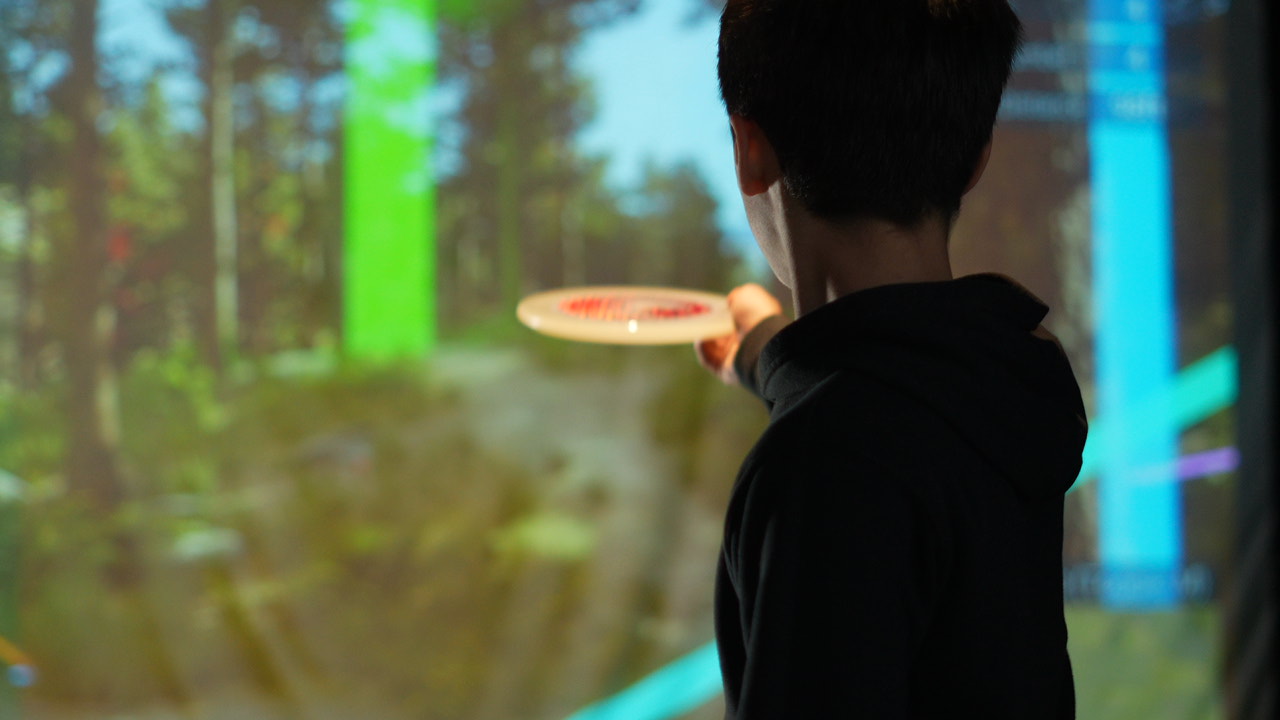
Step onto the tee
Pick your line. Choose your virtual disc. Bring the feel of a round into your home, with new places to play on screen.

Play your way
Throw real discs. Play virtual courses. Explore release data. Link brings practice and shared entertainment together in a flexible disc golf simulator—with portable or permanent setups and a welcoming first throw for newcomers.
Pick your line. Choose your virtual disc. Bring the feel of a round into your home, with new places to play on screen.

Turn a gathering into a chance to play. Friends can take turns, encourage each other, and keep the mood as casual as they like.

Work on your hyzer angle, nose angle, speed, and spin. Use release data and flight tracers to see what changes between throws.
An iconic hole. A familiar challenge.
See the real tee view alongside Link’s recreation of Winthrop’s island hole, with USDGC and Throw Pink branding. Follow the landmarks, pick your line and watch the virtual flight.
Separately recorded real-world and Link demonstrations. This course comparison is not a matched-input flight accuracy test.
Player profile / On the roadmap
The roadmap includes achievements for play milestones and badges for eligible membership or partner recognition.
Planned recognition for play milestones as you explore the game and keep playing.
Record your first valid throw.
Card your first birdie.
Finish a hole in one throw.
Record 1,000 valid throws.
Planned recognition for eligible memberships or partner connections. Criteria will depend on the badge, rather than every badge being earned through play.
 Founder Level II
An example of recognition for eligible founder-bundle purchasers. The level depends on the bundle.
 PDGA badge
Qualifying entitlement plus verified PDGA membership.
 DGPT badge
Recognition associated with an eligible partner bundle.
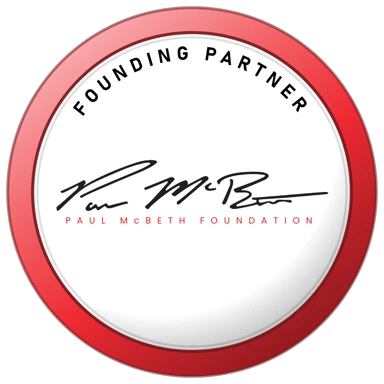 PMF badge
Recognition associated with an eligible partner bundle.
Achievement examples and Link badge artwork from the product roadmap. Achievements require qualifying gameplay; badges depend on purchase or membership eligibility. Automatic awards and availability are still in development.
Before the first throw
Start with a pop-up net and a TV beside your throwing area. Or create a dedicated simulator bay with an impact screen and projector.
Use the equipment you already have where it’s compatible. Add the pieces that bring your setup together.
Use a sensor supported by Link, with the correct mounting equipment for your disc and setup.
Run Link on a compatible gaming PC and connect your supported sensor.
Windows 11; Intel Core i5 (10th Gen or newer) or equivalent AMD; NVIDIA RTX 3060 or better; 16 GB RAM minimum; 512 GB SSD minimum; Bluetooth 5.0; internet connection. A dedicated USB Bluetooth 5.0 adapter is recommended; allow a USB port for the adapter.
Use a monitor, TV, or suitable projector setup alongside your PC.
Windows 11; Intel Core i5 (10th Gen or newer) or equivalent AMD; NVIDIA RTX 3060 or better; 16 GB RAM minimum; 512 GB SSD minimum; Bluetooth 5.0; internet connection. A dedicated USB Bluetooth 5.0 adapter is recommended; allow a USB port for the adapter.
Use an appropriate net or enclosure and allow suitable clearance for throwing, equipment, and anyone watching.
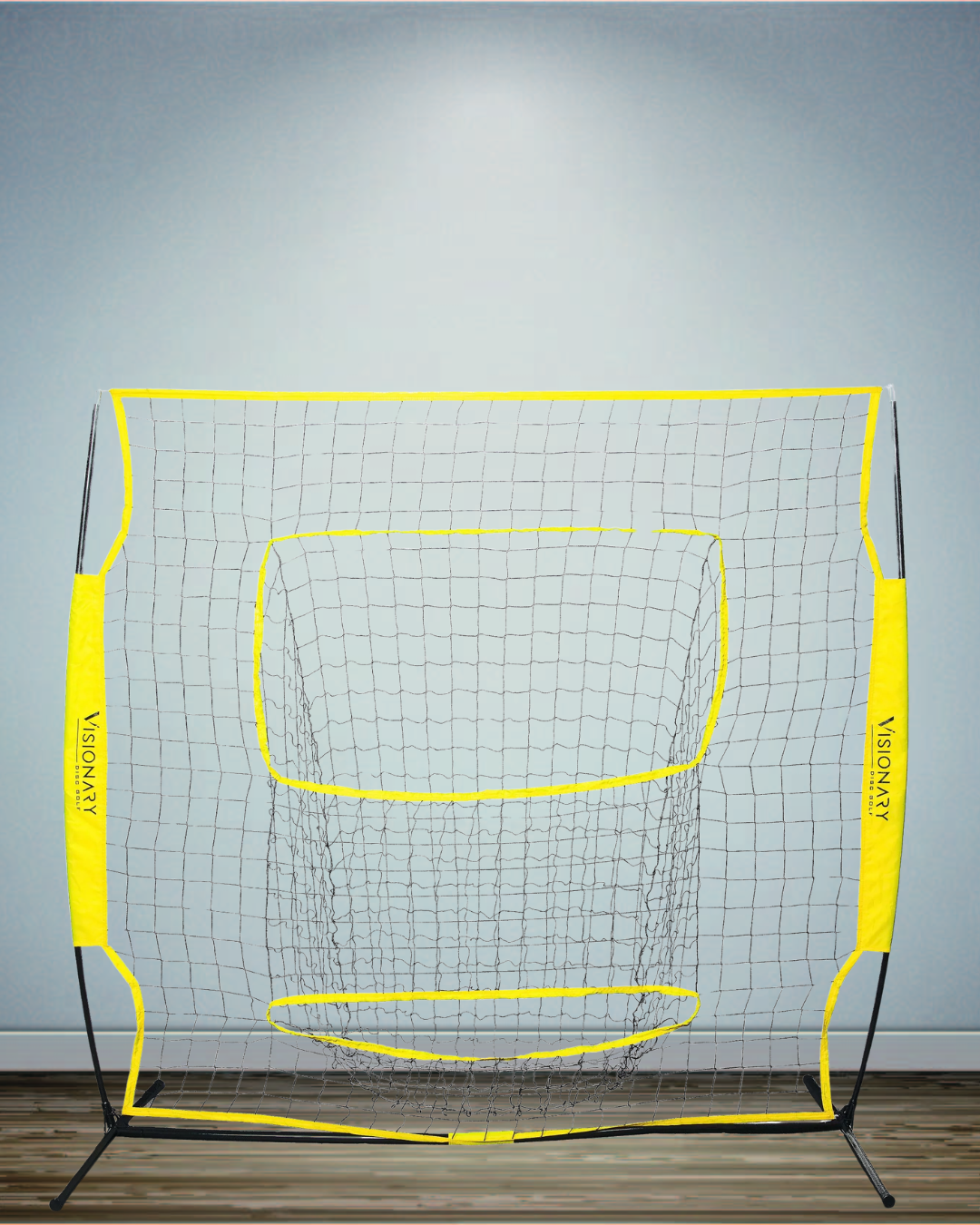
A freestanding net catches the disc while you follow the virtual flight on a TV or monitor beside the throwing area. A flexible option for shared rooms, demos, and events.
Explore a pop-up net ↗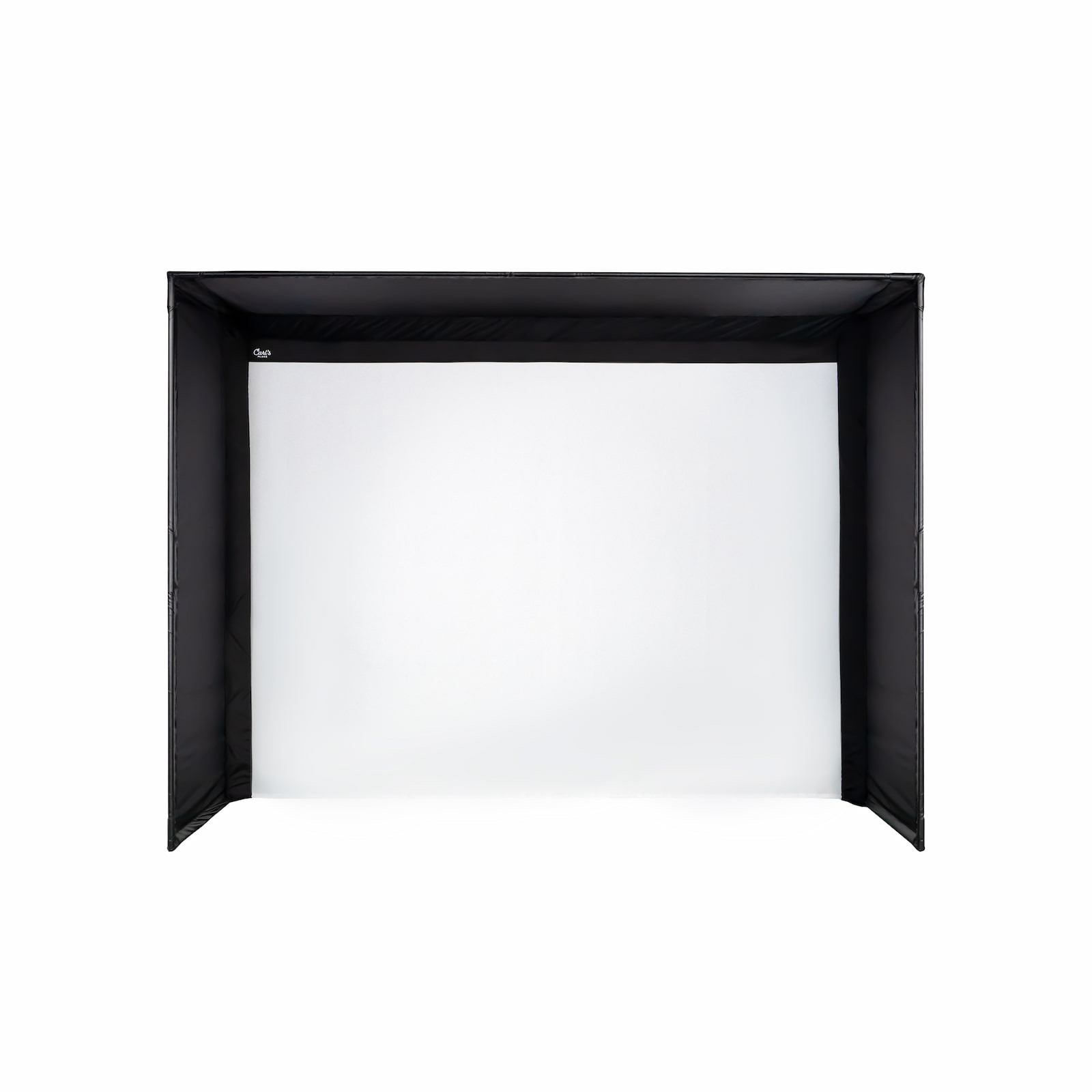
An enclosure with an impact screen creates a dedicated throwing area. Add a suitable projector to bring the virtual course onto the screen in front of you.
Explore an enclosure bay ↗Equipment examples from the Link shop. Images show the net and enclosure; review the product listings for included items and plan the complete setup around your space.
Disc Golf Worlds
Watch Calvin get ready to throw at Worlds.
Watch Kat throw into the portable Link setup.
See MJ’s speed, spin, and release angles on screen.
Watch Joona Heinänen take on the pop-up challenge at Worlds.
Inside a Link bay
See how a projected course looks from inside an enclosed simulator bay.
Choose your next step
Keep throwing through rain, early sunsets, and the off-season. Choose a bundle, or put together your own setup à la carte.
Choose a Bundle or shop à la carte for individual items. Review current inclusions and purchase details on the product pages.
Explore BundlesReview the equipment and space considerations, then ask Link about anything you need to confirm.
Plan your simulatorGood to know
A little clarity before the next step.
Windows 11; Intel Core i5 (10th Gen or newer) or equivalent AMD; NVIDIA RTX 3060 or better; 16 GB RAM minimum; 512 GB SSD minimum; Bluetooth 5.0; internet connection. A dedicated USB Bluetooth 5.0 adapter is recommended; allow a USB port for the adapter.
Windows 11; Intel Core i5 (10th Gen or newer) or equivalent AMD; NVIDIA RTX 3060 or better; 16 GB RAM minimum; 512 GB SSD minimum; Bluetooth 5.0; internet connection. A dedicated USB Bluetooth 5.0 adapter is recommended; allow a USB port for the adapter.
Find your way into the game